
The problem with AI-built 3D scenes
Ask Claude Code, Cursor or Copilot to build a small three.js scene and the code usually comes back fine. The camera works, the lights are there, the render loop runs. Then you drop in real models and things fall apart. A house loads lying on its side. A car is the size of a city block. Nothing shows up because nobody set up the Draco decoder, and the assistant has guessed node names like nodes.Roof that do not exist in the file.
None of that is really the model's fault. An AI assistant cannot see inside a .glb file. It writes code against what it assumes is in there, and most free 3D models break those assumptions in different ways. So the assets decide whether generated code works on the first try or turns into an afternoon of fixes.
That is the angle we took with 3D Asset (3d-asset.com), a shop of Three.js 3D Assets: modular packs for browser and real-time projects that also work in Unity, Unreal and Godot. It is not an AI tool itself. But a few decisions in how the packs are built make them unusually easy for AI coding assistants to work with.
What 3D Asset sells
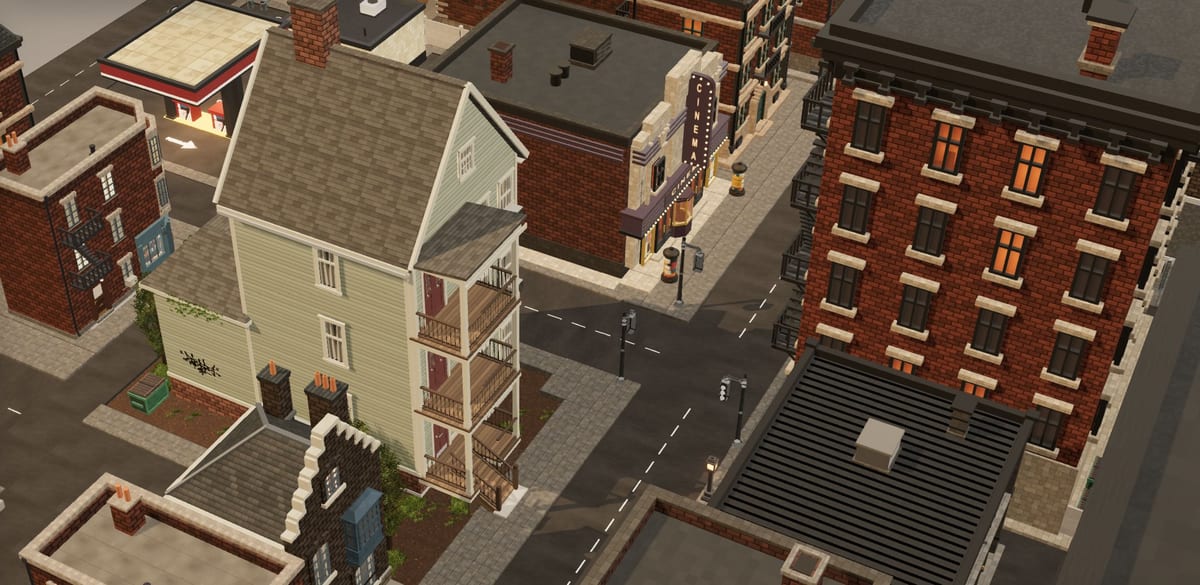
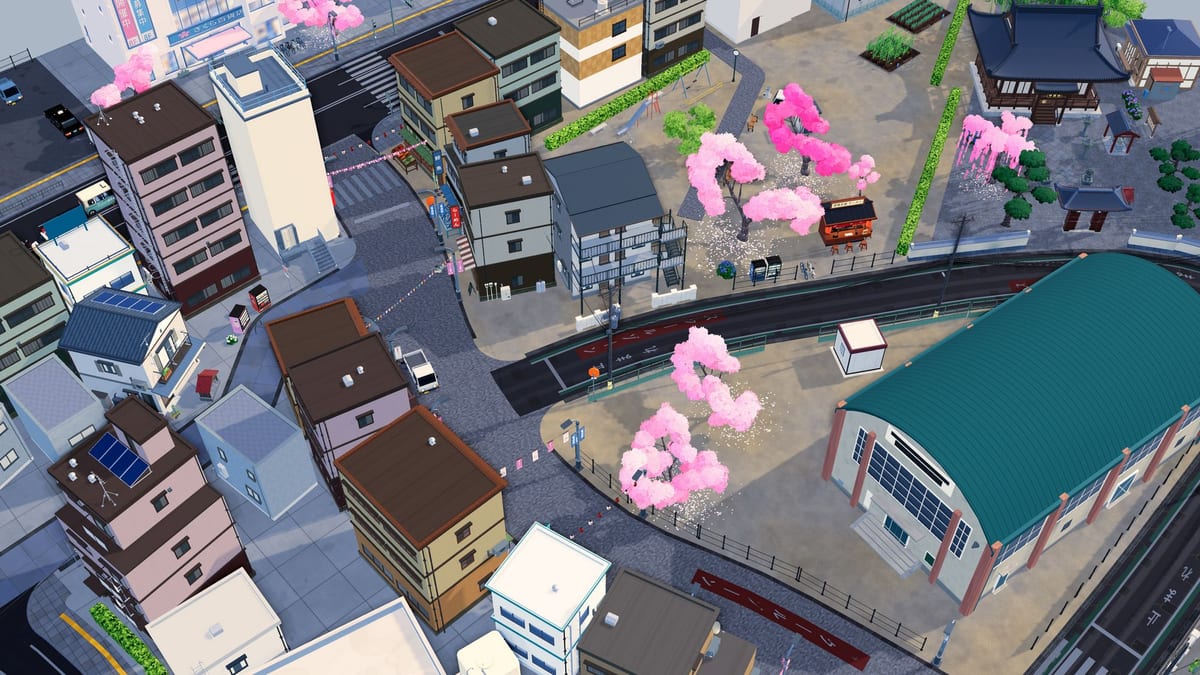
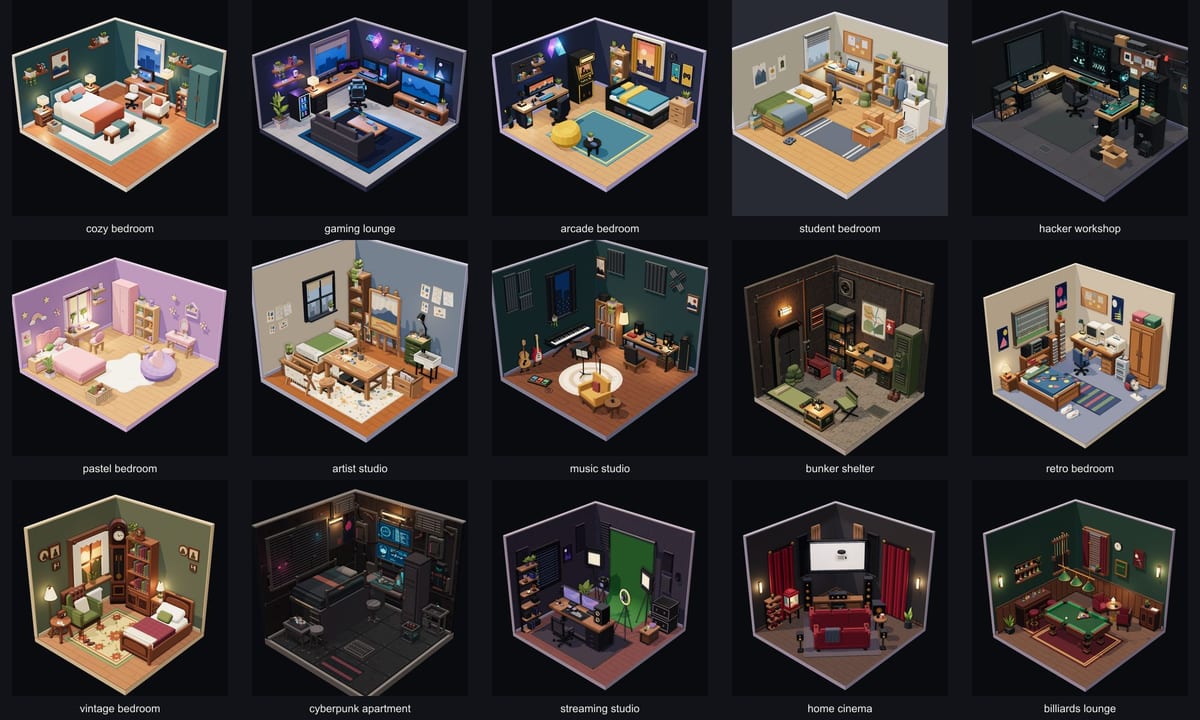
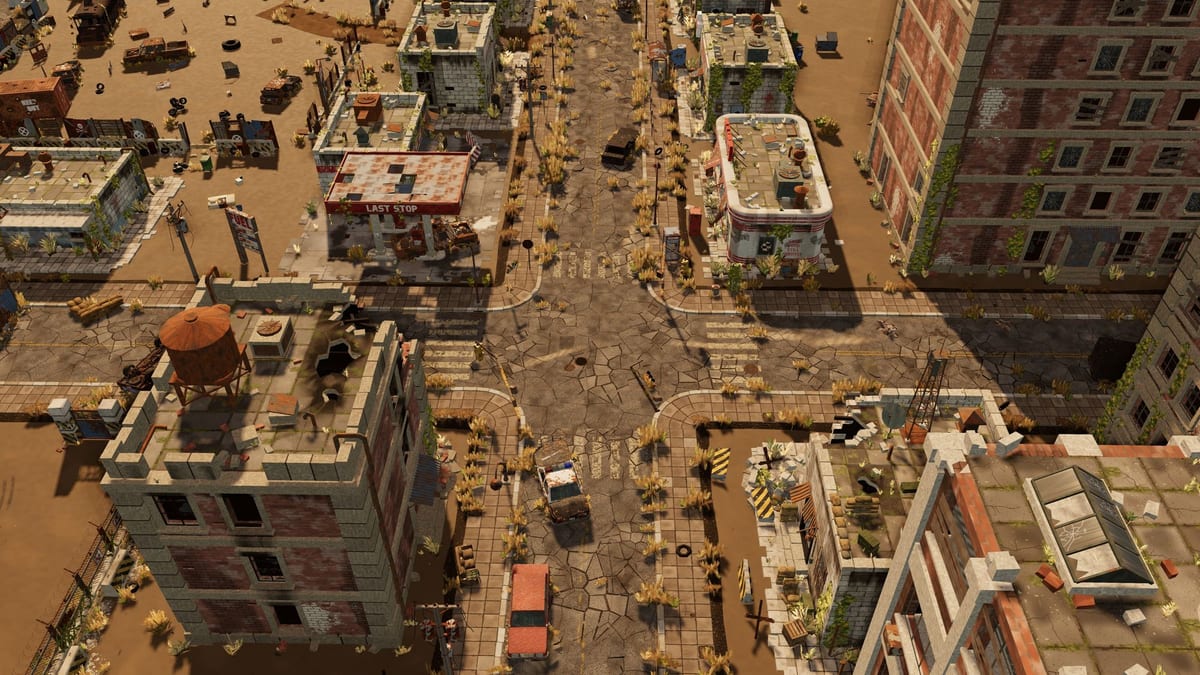
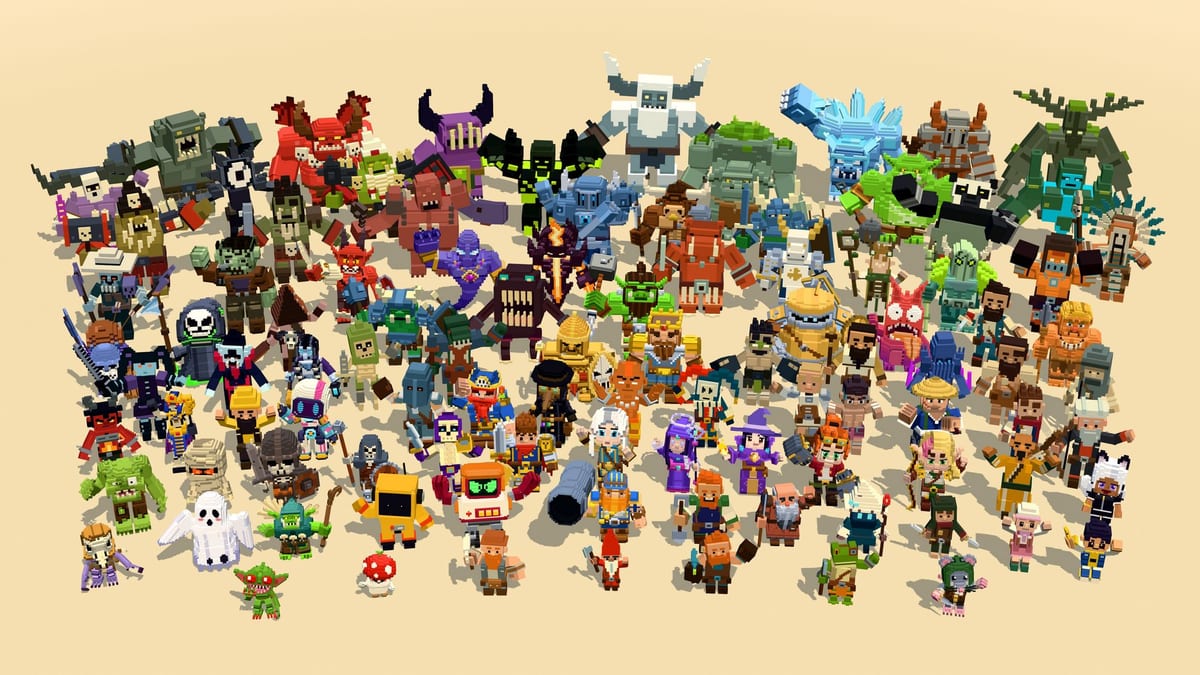
The library has ten themed packs and 1,240 models in total: city blocks, an industrial yard, a suburban neighbourhood, a Japanese street, a post-apocalyptic town, interior room dioramas, a stylised cube world, a storybook village, 100 voxel characters and 50 near-future vehicles. Everything ships as glTF 2.0 (.glb).
Packs cost between $13 and $59, paid once. There is also a $95 Lifetime All Access option that covers every pack and future standard packs. You can try 23 models for free with an account.
Why it suits AI coding tools
Typed components instead of guessed node names
Every pack comes with one React Three Fiber component per model, already generated, with TypeScript types for its nodes and materials. Each component knows its own file URL, preloads it and clones itself per mount. For an assistant, the job changes from "guess what is inside this binary file" to "use a typed component with known props":
import { CozyTownCottage } from './components/CozyTownCottage';
import { CozyTownCrate } from './components/CozyTownCrate';

<Suspense fallback={null}>
  <CozyTownCottage position={[0, 0, 0]} />
  <CozyTownCrate position={[3, 0, 1]} rotation={[0, Math.PI / 4, 0]} />
</Suspense>
If the components folder is in the project, Cursor or Claude Code can read those types and work against them. A mistyped mesh name becomes a TypeScript error instead of a silent runtime failure. The site has a guide to using the models in React Three Fiber that covers this, plus instancing and animation.
One set of conventions across every pack
All models follow the same rules: 1 unit is 1 metre, +Y is up, models face −Z, and the pivot sits on the ground footprint. It sounds like a detail, but it is what makes plain-language prompts work. "Put the house at the origin and a crate three metres to its right" turns into position={[3, 0, 0]}, and the crate actually lands on the ground, at the right size, three metres away. No scale factors, no rotating things upright, no floating objects.
Real numbers you can paste into a prompt
Each model has its own page with a live 3D preview, its measured size in metres and its triangle, mesh, material and texture counts. Before asking an assistant to lay out a street, you can copy the actual footprints into the prompt. That works far better than letting the model invent plausible sizes.
A catalog the assistant can read
The site publishes an llms.txt and a longer llms-full.txt with every pack, its specs and FAQ in plain text. If your assistant can fetch URLs, pointing it there gives it the formats, scale rules and pack contents in one go.
Two copies of every file
Web files are Draco-compressed with WebP textures, which keeps scenes light in the browser. The catch is that Draco needs a decoder, and AI-generated three.js code forgets it all the time. Tell the assistant up front to configure DRACOLoader, or to use drei's useGLTF, which can handle it. For Blender, Unity, Unreal Engine 5 or Godot 4, each pack also has a dcc/ folder with uncompressed geometry and PNG or JPEG textures, so engine importers do not choke.
A prompt that tends to work
This is roughly what we would give an assistant when starting a scene with these packs:
Build a React Three Fiber scene with drei.
Models are in /public/glb, typed components are in /src/components.
Use the components, not raw useGLTF calls.
Units are metres, +Y up, models face -Z, pivots are on the ground (y = 0).
Files are Draco-compressed: make sure the Draco decoder is configured.
Lay out a short street: each house is 9.6 m wide, leave 2 m gaps.
The exact wording does not matter much. What matters is that every line describes something the files really do, so the assistant has nothing to guess.
Not an AI 3D generator, and that is the point
Text-to-3D tools keep improving, but each result is a one-off mesh with its own scale, orientation and topology. That is fine for a single hero object. It is a problem when you need eighty buildings that line up on a grid and share one style.
3D Asset goes the other way: hand-built, consistent kits. Many of the models are also parametric. In the browser editor that comes with those packs you can change colours, sizes, floors and presets, then export a new GLB. The city, industrial and suburban packs are finished models instead, which you recolour in Blender or your engine.
The license, with AI in mind
The license is royalty-free and covers commercial and personal projects of your own: games, apps, films, renders and interactive experiences. No attribution is required. Building an app with AI assistance and shipping these models inside it is fine.
Two things are not allowed: reselling or redistributing the files as they are (including inside a competing asset library), and using them to train, fine-tune or evaluate a generative model. If you work on 3D generation models, this is not a dataset.
Pricing
- Single packs: $13 (Rooms) to $59 (Brown City), one-time payment
- Lifetime All Access: $95, every current pack plus future standard packs
- Free samples: 23 models under the same license
- Refunds: within 14 days if a file is broken or materially not as described
Where it falls short
- It is paid and not CC0. For a quick throwaway prototype, free kits from Kenney or Quaternius are the usual answer.
- The look is stylised low poly with PBR materials, not photoreal.
- The Sci-Fi Vehicles pack is heavy for the web: the median vehicle is 34,500 triangles. Fine for a few hero vehicles, not for a swarm.
- There are no physics or vehicle controllers. You get models, scenes and animation clips, not gameplay code.
- The typed components are for React Three Fiber. Plain three.js, Unity or Godot users get the GLB files and the conventions, but not the components.
The bottom line
3D Asset is not an AI product, but it fits AI-assisted 3D work better than most asset shops. Typed components, strict metre scale, grounded pivots and published specs remove most of the guessing that makes AI-generated three.js code fail. If you build browser 3D scenes with an assistant, start with the free samples, drop them into a test project, and see how far a single prompt gets you before buying a pack.
